How BattoTV works in school
Teachers choose. The class watches. BattoTV keeps the boundary.
Everything BattoTV does for a school: what the class sees, school hours, control from any teacher's phone, and questions.
Try BattoTV free Ready in 2 minutes →
👪 How it works for families →
YouTube Kids can be set to only the videos you approve. BattoTV adds what it leaves out: allowed hours, breaks, and extra time or pause from your phone.
Sign in with the school email, choose “A school”, and add your classes. Playlists for each class's age are ready.
1
Choose
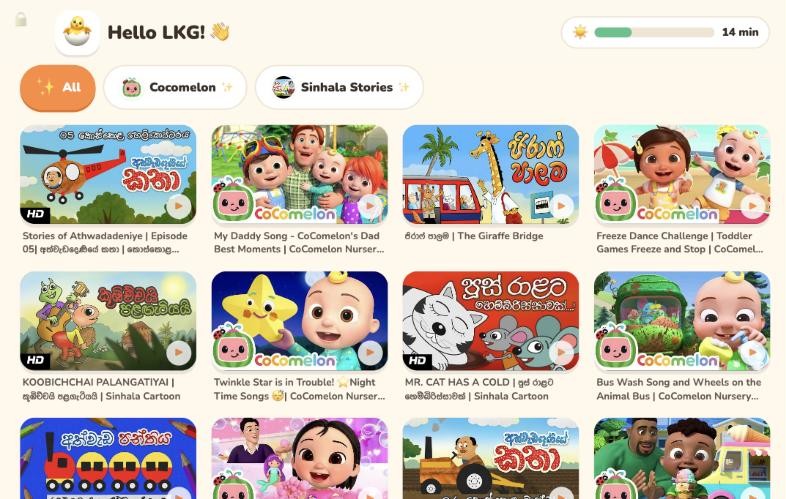
Each class has BattoTV Picks for its age ready: see every video first. Or add any YouTube video, channel or playlist for a lesson.
2
Set the rules
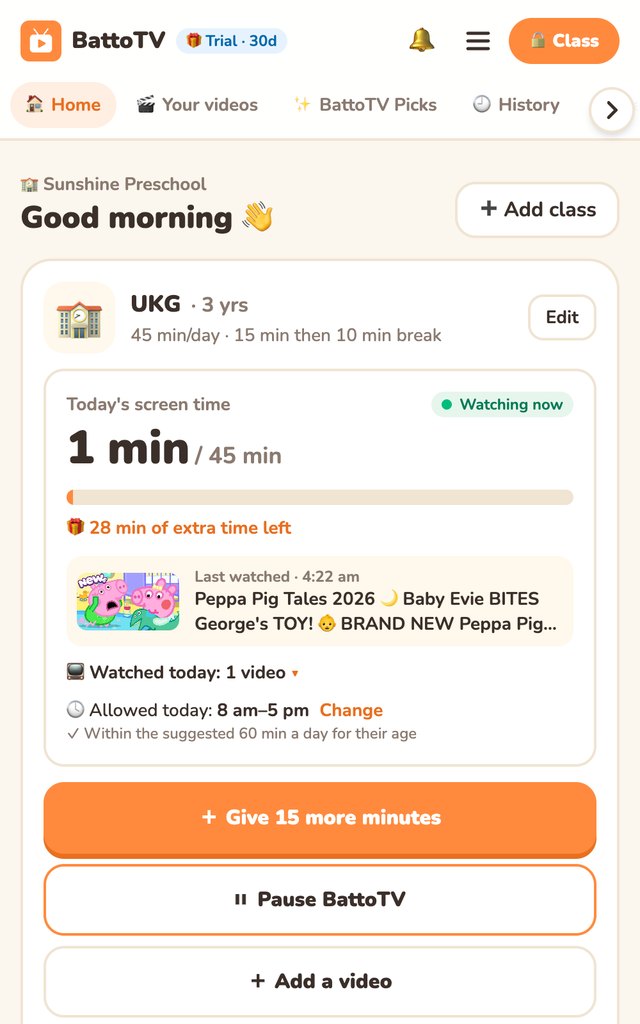
School hours, a daily limit and short turns for each class. One teacher PIN keeps the settings safe.
3
On the classroom screen
On the classroom TV, smart board, tablet or computer, tap “Use on this screen” once. Children tap a picture to watch, with no reading needed.
4
A kind ending
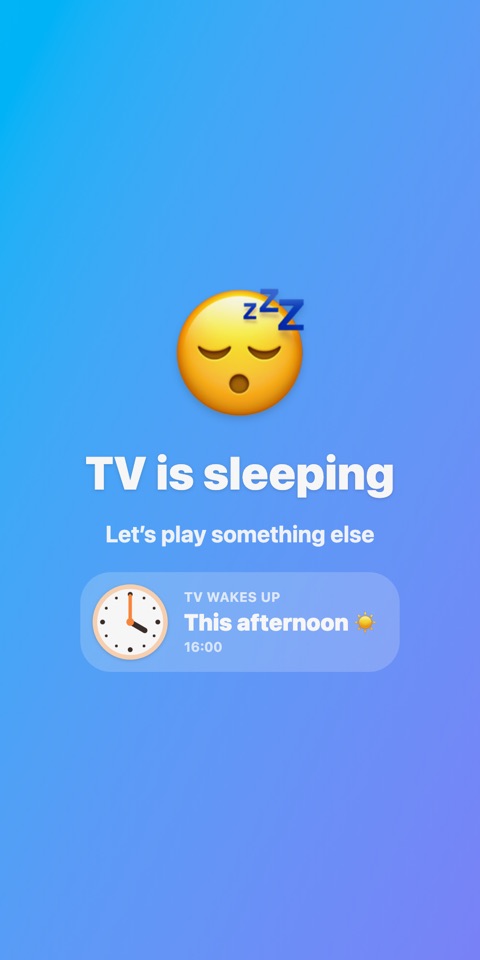
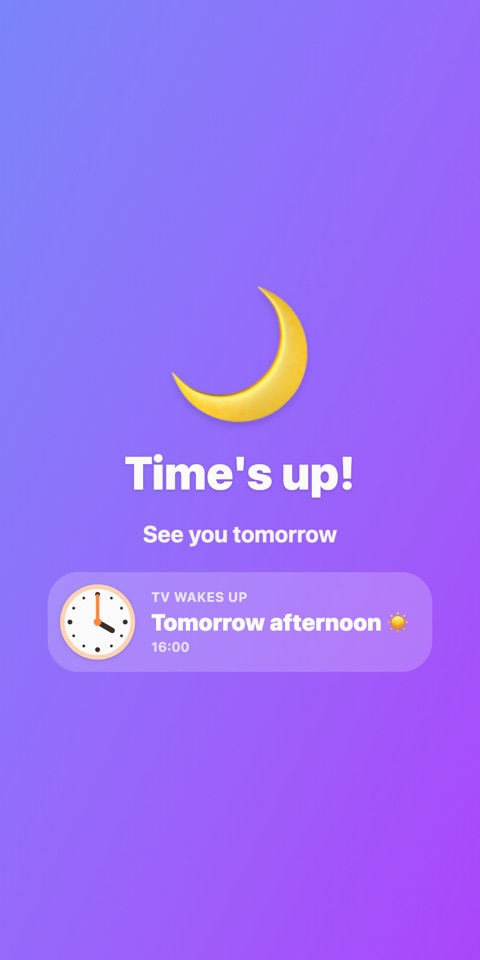
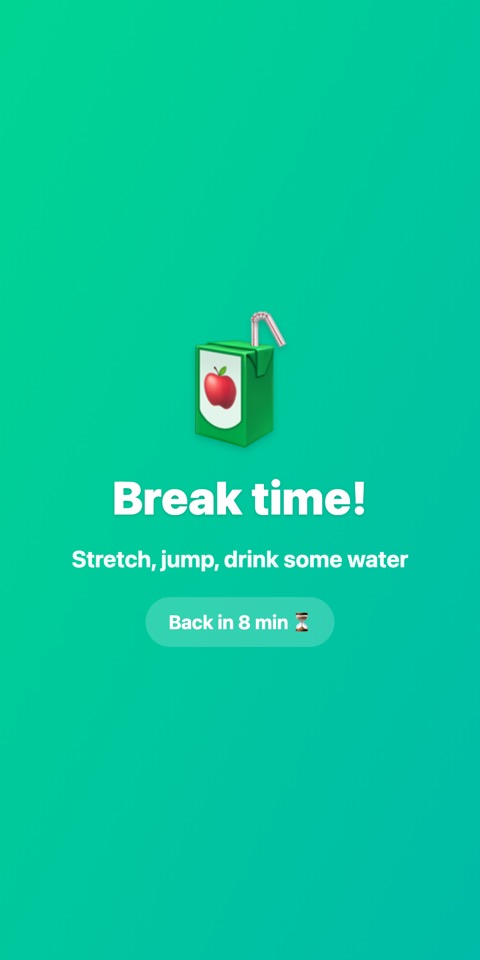
At break time or the end of the school day, the video finishes first, then a friendly screen shows when TV comes back.
Why I built BattoTV
I built BattoTV because I had the same problem. One cartoon became three hours. YouTube kept choosing the next video, and my children ended up watching things I hadn't chosen.
I wanted something simpler: I choose. They watch. It stops when we agreed.
 Samantha Amarathunga
Founder of BattoTV · a parent of three
Questions, payments or a video that shouldn't be there: message us in Sinhala or English. We usually reply within a day.
 BattoTV