No "up next", no trending. Nothing appears that you didn't choose.
⏹️
One video, then it stops
No autoplay and no Shorts feed. One cartoon doesn't become thirty.
🏫
School hours, class by class
Every class starts with Monday to Friday, 8 am – 5 pm, a daily limit and short turns. Change it any time.
Ready in 2 minutes
Sign in with the school email, choose “A school”, and add your classes. Playlists for each class's age are ready.
1
Choose
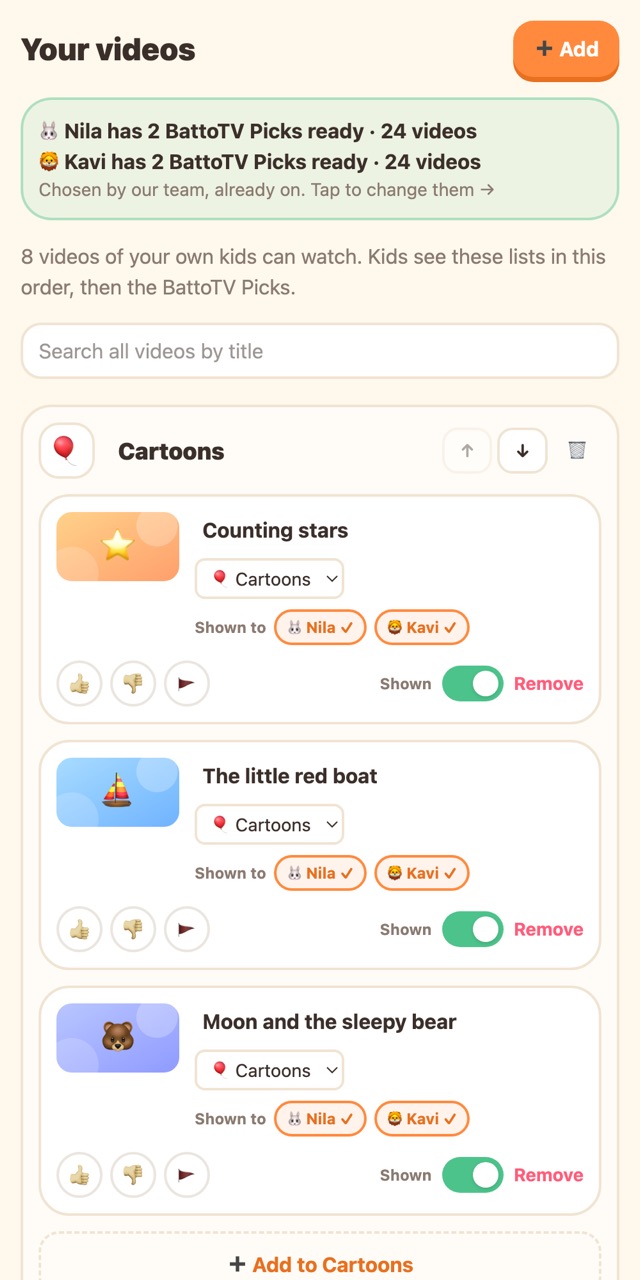
Each class has BattoTV Picks for its age ready: see every video first. Or add any YouTube video, channel or playlist for a lesson.
2
Set the rules
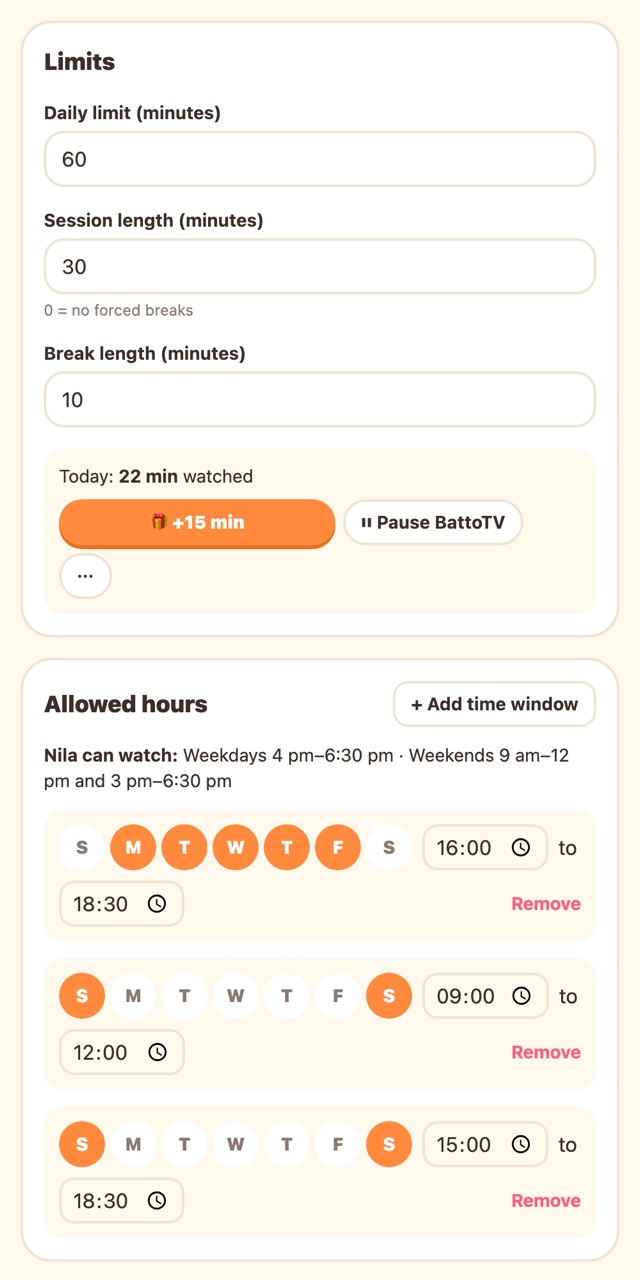
School hours, a daily limit and short turns for each class. One teacher PIN keeps the settings safe.
3
On the classroom screen
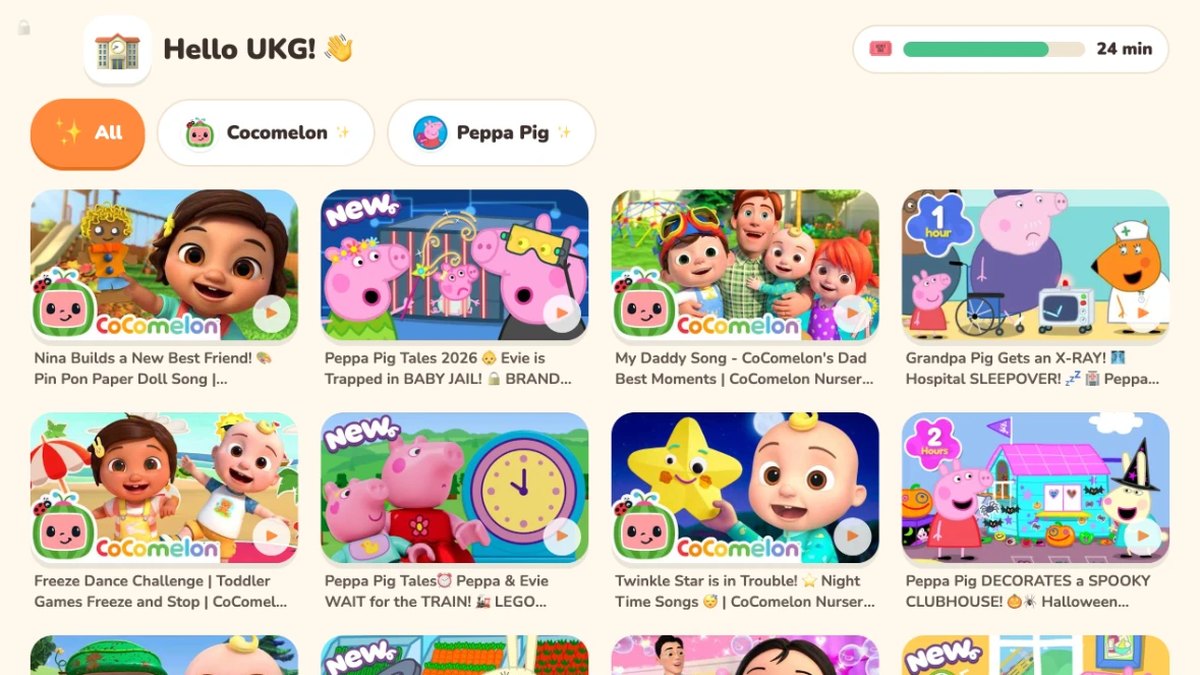
On the classroom TV, smart board, tablet or computer, tap “Use on this screen” once. Children tap a picture to watch, with no reading needed.
4
A kind ending
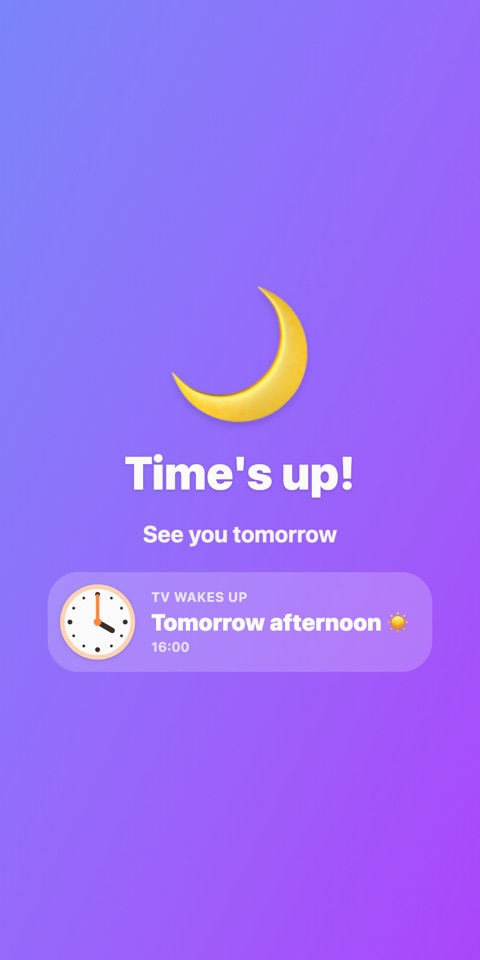
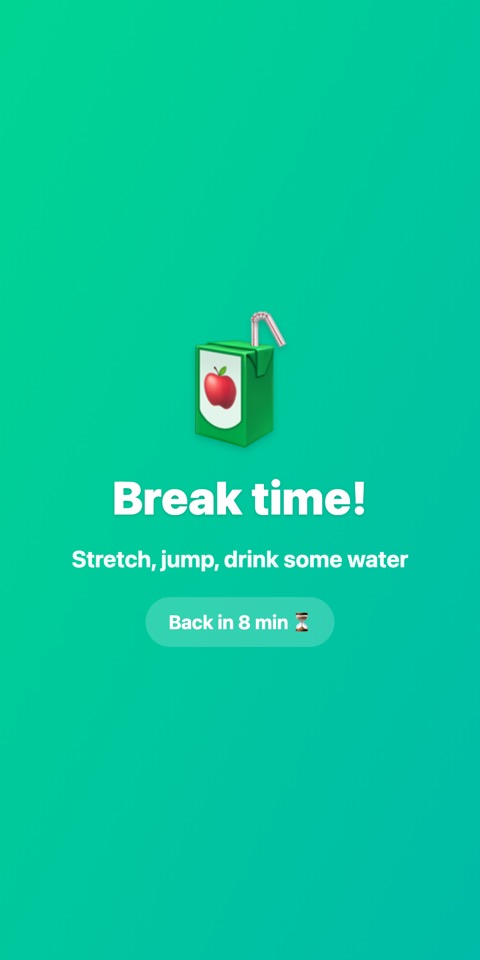
At break time or the end of the school day, the video finishes first, then a friendly screen shows when TV comes back. A teacher can give more time with the PIN.
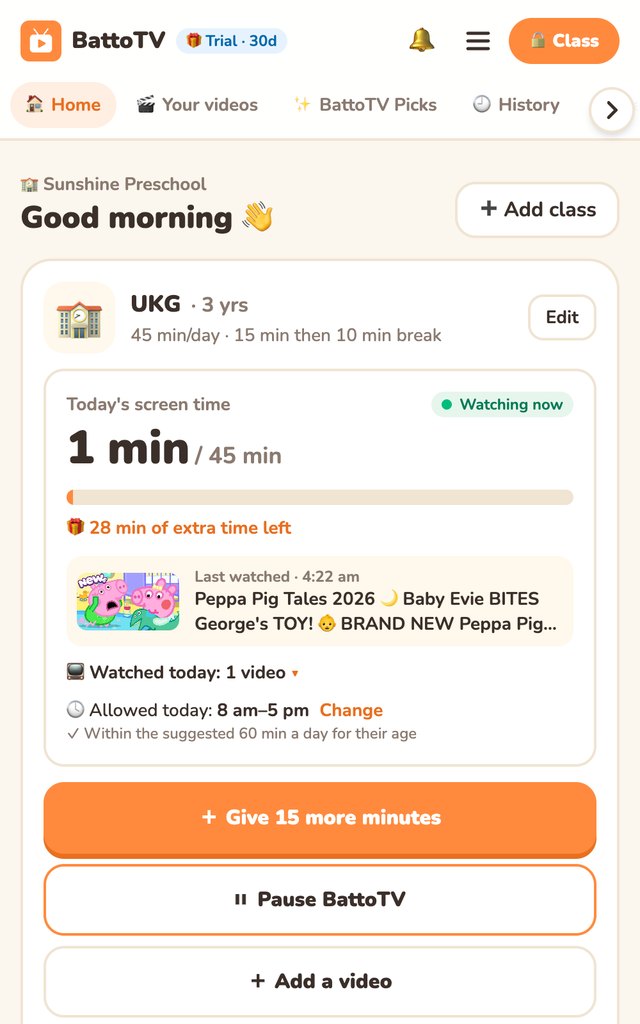
See what each class watched today, give a few more minutes for a lesson, or pause for lunch and nap time. The classroom screen follows within seconds.
▶ Watching now: the video playing right now, and everything they watched today
+ Give 15 minutes: a little more, straight away
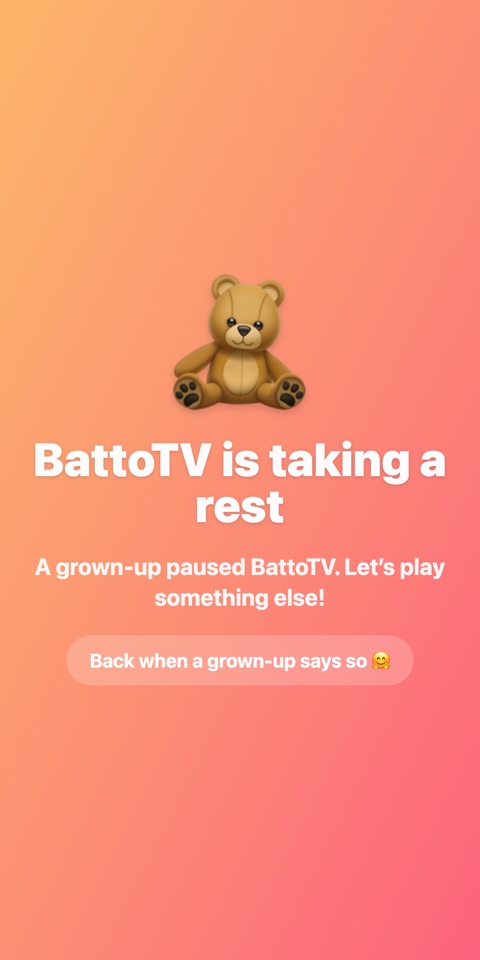
⏸ Pause BattoTV: lunch, nap or story time
🕓 Today's allowed hours: see them, and change them in a tap
No teacher has to be the one who says no.
Kind endings, fewer tears.
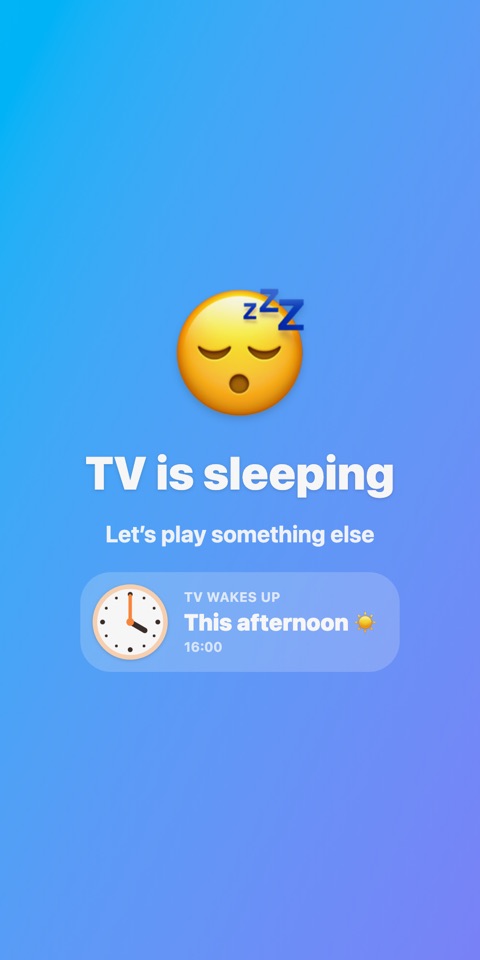
Kids always know what's happening and when TV comes back, with a clock for kids who are learning to read one. To unlock early, a grown-up holds the top-left corner for 3 seconds and types the PIN.
Outside allowed hoursA short breakPaused by you
🩺
Healthy by design
Health guidance such as the WHO's suggests about 1 hour a day of screen time for children aged 2 to 5. BattoTV suggests limits for each kid's or class's age, adds short breaks, and waits for a video to end before a break.
🗣️
In your language
Add videos in any language your family or class speaks. Ready-made BattoTV Picks include songs, stories and learning in several languages: choose each kid's or class's languages, and we switch on the Picks that fit their age.
Why not just YouTube Kids?
YouTube Kids can be set to only the videos you approve. BattoTV adds what it leaves out: allowed hours, breaks, and extra time or pause from your phone.
YouTube
YouTube Kids
BattoTV
Who chooses the videos
Algorithm
Algorithm, or you in "Approved content only" mode
You, always
Suggestions & "up next"
Yes
Yes, unless approved-only
No
Autoplay
Yes
On unless you turn it off
Never
Search
Yes
Optional
No
Daily limit
–
Timer
Yes, per child
Allowed hours (e.g. 4–6 pm) & breaks
–
–
Yes, per child
Extra time or pause from your phone
–
–
Yes
Ready playlists by age & language
–
By age group
Yes
Already happy with YouTube Kids in approved-only mode? Keep it. BattoTV is for families who also want allowed hours, breaks and control from their phone.
BattoTV controls what plays inside BattoTV. To stop children leaving the app for other apps, turn on App pinning (Android) or Guided Access (iPad); the app shows you how.
Simple plans
One set of plans for families and schools: a class counts like a child. Start free; every account also gets a free trial, no card needed.
Free
LKR 0 forever
1 kid or class, 1 device
Only the videos you choose
Daily limit, hours & breaks
⏸ Pause BattoTV from your phone
Ready-made BattoTV Picks, plus 1 channel or playlist of your own
Sign up with the school’s email, then choose “A school”.
Why I built BattoTV
I'm a parent of three. We let our kids watch cartoons on YouTube, and one cartoon quietly became three hours. After every video YouTube chose the next one, and even a cartoon we picked could lead somewhere we'd never choose.
I wanted something simple: I choose the videos, my children watch those videos, for as long as we agreed. With no daily fights, even when I'm at work and the grandparents are at home with them.
Samantha Amarathunga Founder of BattoTV · a parent of three
Questions
Can we see what each class watched?Yes. Home shows what each class is watching right now and everything it watched today, and Watch history lists earlier days too (on a paid plan). Only your school sees it.Do you need children's names?No. A class is just a name (like Nursery or LKG), the children's age and the languages they speak. BattoTV never asks for children's names in a school account.Is it really free?Yes. The Free plan is free forever for 1 class. New schools also get a free trial, no card needed; after that choose School (up to 3 classes), School Plus (5) or School Pro (10), or stay on Free. Need more classes? We'll make a custom plan.Can any teacher use it?Yes. Teachers share one teacher PIN for the settings, and the classroom screen needs no training: it only shows the videos you chose and keeps to each class's hours and limit by itself. Any teacher can give a few more minutes or pause it from their own phone.Which languages?Any. You can add YouTube videos, channels and playlists in any language, and tell BattoTV which languages each kid or class speaks. Ready-made BattoTV Picks are in Sinhala, English and Tamil so far, with more coming. The kids' screen uses pictures more than words, so even young children find their way. Our WhatsApp support speaks Sinhala and English.How does the school pay?By bank transfer, once a year, with an invoice made out to the school. The app shows our bank details and your reference; send the slip in the app or on WhatsApp. Nothing renews by itself, and we remind you before the year ends. The first year is 20% off.Does BattoTV block other apps?BattoTV controls what plays inside BattoTV: there's no way from it to YouTube or the web. It can't block other apps on the device. For that, turn on App pinning (Android) or Guided Access (iPad); the app's Settings page shows how, step by step.Where do the videos come from?From YouTube, played in a locked player. BattoTV only plays videos that YouTube marks as made for kids, and it doesn't download or copy videos.Will children see ads?BattoTV never adds ads of its own. But YouTube may show its own ads before or during some videos, and some creators put adverts, sponsorships or toy promotions inside the video itself. Nobody can remove those. Before adding a channel, watch a few minutes; prefer calm channels without "unboxing" or toy adverts; and use 👎 or 🚩 Report if you spot one, so the BattoTV team can review it.Why no Shorts?Endless short-video feeds (TikTok, Reels, Shorts) are made to be hard to stop, and young children find that hardest of all. BattoTV has no feed, and leaves Shorts out of channels and playlists.How do teachers get to the settings?Press and hold the top-left corner of the classroom screen for 3 seconds, then enter the teacher PIN. Or open battotv.com/school on any phone or computer, sign in with the school email and enter the teacher PIN.One screen, two classes?Tap the 🏠 on a locked screen, or the class picture at the top of the screen, choose the other class and type the teacher PIN.We forgot the teacher PIN.Tap "Forgot PIN?" on the PIN screen, type the school's email address, and use the code we email there to choose a new PIN. BattoTV never shows the PIN.Which devices work?Any phone, tablet, computer or smart TV with a modern browser, with no app store needed. On Android, open BattoTV in Chrome and choose "Install app" to use it like a normal app.
Need help?
Questions, payments or a video that shouldn't be there: message us in Sinhala or English. We usually reply within a day.
 BattoTV
 Samantha Amarathunga